
Take charge of your finances with these top budget monitoring apps that make tracking spending simple, smart, and stress-free.
Updated
January 8, 2026 6:36 PM
.webp)
A phone next to a laptop, displaying a stock market app. PHOTO: UNSPLASH
Managing personal finances can feel overwhelming, especially with the countless expenses we juggle daily. Thankfully, budget monitoring apps are hereto save the day. These handy tools help you track your spending, set financial goals, and build better money habits—all from the convenience of your smartphone.
Whether you're saving for a vacation, paying off debt, or just trying to avoid those end-of-the-month surprises, budget tracker apps can provide clarity and control over your finances. Here are 5 budget monitoring apps that will keep your spending on track.
If simplicity is what you’re after, Monefy is the solution. Known for its highly intuitive interface, Monefy lets users track their spending with just a few taps. Unlike many budget apps that overwhelm you with features, Monefy focuses on the essentials, making it great for beginners or anyone looking for a straightforward way to manage their money.
Monefy is perfect for users who want a no-frills app to track spending or beginners just dipping their toes into budgeting.
Budgeting doesn’t have to feel like a chore, and Fortune City proves just that. This app gamifies your financial habits by turning expense tracking into a city-building game. Every category of spending contributes to your virtual city’s development, making it an enjoyable way to visualize where your money is going.
Fortune City is ideal for those who find traditional budgeting boring or intimidating and want a fun way to stay consistent.
Jupiter combines the best of both worlds: digital banking and budgeting. This app integrates directly with your bank account, automatically categorizing transactions and providing insights into your spending patterns. It’s not just a budget tracker—it’s a full-fledged financial assistant.
Jupiter is best for users who want a hands-off budgeting experience and prefer an all-in-one app for banking and money management.
Inspired by the envelope budgeting method, GoodBudget offers a digital twist on this classic approach. Instead of physical envelopes, you allocate your money into virtual "envelopes" for different spending categories. This app encourages disciplined spending and is particularly effective for budgeters who like to plan ahead.
GoodBudget is ideal for planners who like a structured approach to budgeting and don’t mind manual tracking.
Wally is a feature-packed app designed for users who want deep insights into their spending habits. Its sleek design, multi-currency support, and detailed financial reports make it a standout option, especially for frequent travelers or professionals juggling multiple accounts.
Wally is perfect for users who want advanced budgeting tools and detailed insights, especially those with international financial needs.
Budget monitoring apps are powerful tools that simplify the often-daunting task of managing your finances. Whether you’re drawn to the playful gamification of Fortune City, the structured approach of GoodBudget, or the all-in-one convenience of Jupiter, there’s an app tailored to your preferences and goals.
These apps don’t just track your spending—they help you build better habits, gain financial clarity, and take control of your money. With the right app in your pocket, managing your budget becomes less of a chore and more of are warding journey toward financial freedom. So why wait? Choose an app, start tracking, and watch your financial confidence grow!
Keep Reading
The IT services firm strengthens its collaboration with Google Cloud to help enterprises move AI from pilot projects to production systems
Updated
February 18, 2026 8:11 PM
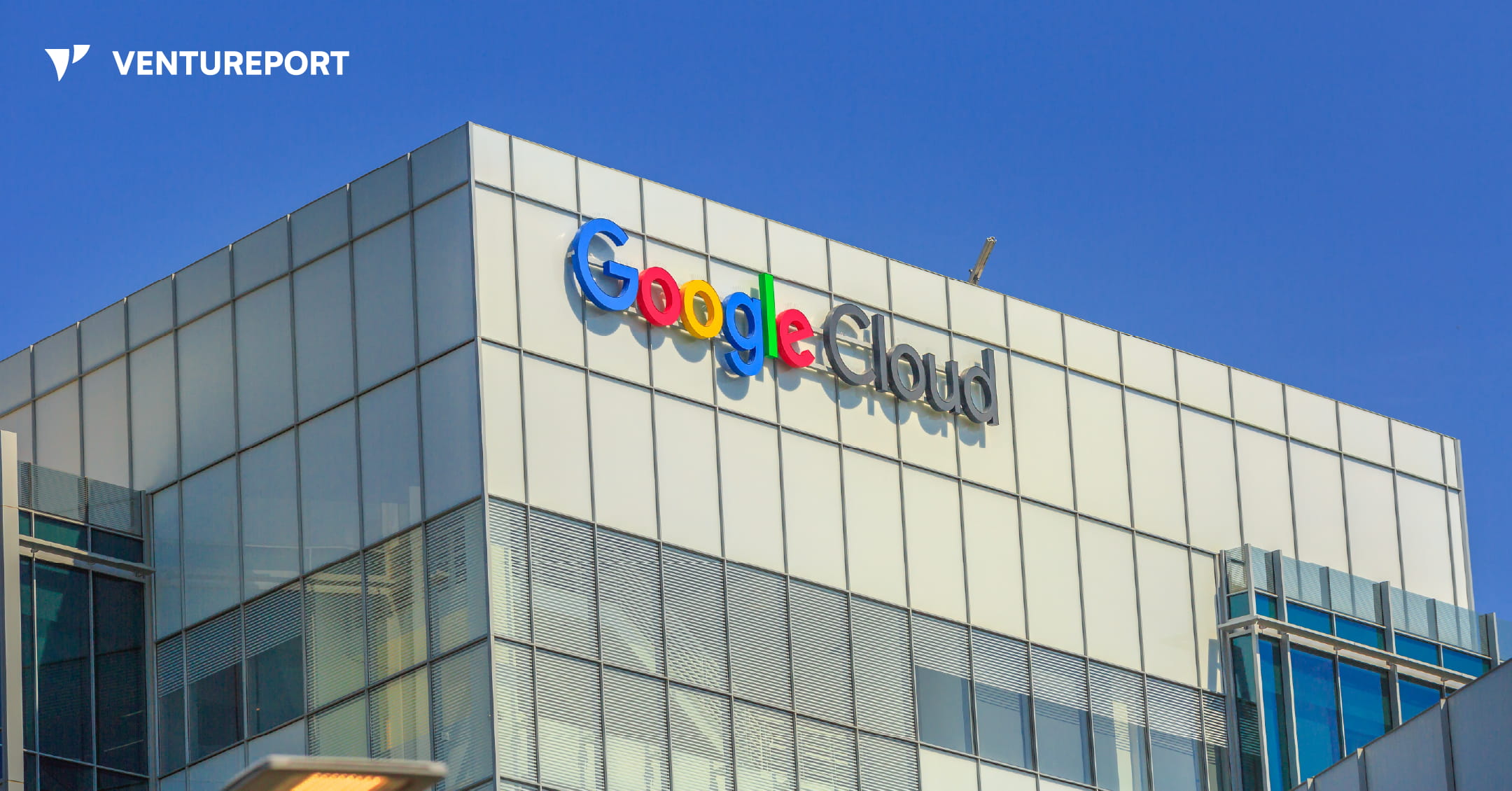
Google Cloud building. PHOTO: ADOBE STOCK
Enterprise interest in AI has moved quickly from experimentation to execution. Many organizations have tested generative tools, but turning those tools into systems that can run inside daily operations remains a separate challenge. Cognizant, an IT services firm, is expanding its partnership with Google Cloud to help enterprises move from AI pilots to fully deployed, production-ready systems.
Cognizant and Google Cloud are deepening their collaboration around Google’s Gemini Enterprise and Google Workspace. Cognizant is deploying these tools across its own workforce first, using them to support internal productivity and collaboration. The idea is simple: test and refine the systems internally, then package similar capabilities for clients.
The focus of the partnership is what Cognizant calls “agentic AI.” In practical terms, this refers to AI systems that can plan, act and complete tasks with limited human input. Instead of generating isolated outputs, these systems are designed to fit into business workflows and carry out structured tasks.
To make that workable at scale, Cognizant is building delivery infrastructure around the technology. The company is setting up a dedicated Gemini Enterprise Center of Excellence and formalizing an Agent Development Lifecycle. This framework covers the full process, from early design and blueprinting to validation and production rollout. The aim is to give enterprises a clearer path from the AI concept to a deployed system.
Cognizant also plans to introduce a bundled productivity offering that combines Gemini Enterprise with Google Workspace. The targeted use cases are operational rather than experimental. These include collaborative content creation, supplier communications and other workflow-heavy processes that can be standardized and automated.
Beyond productivity tools, Cognizant is integrating Gemini into its broader service platforms. Through Cognizant Ignition, enabled by Gemini, the company supports early-stage discovery and prototyping while helping clients strengthen their data foundations. Its Agent Foundry platform provides pre-configured and no-code capabilities for specific use cases such as AI-powered contact centers and intelligent order management. These tools are designed to reduce the amount of custom development required for each deployment.
Scaling is another element of the strategy. Cognizant, a multi-year Google Cloud Data Partner of the Year award winner, says it will rely on a global network of Gemini-trained specialists to deliver these systems. The company is also expanding work tied to Google Distributed Cloud and showcasing capabilities through its Google Experience Zones and Gen AI Studios.
For Google Cloud, the partnership reinforces its enterprise AI ecosystem. Cloud providers can offer models and infrastructure, but enterprise adoption often depends on service partners that can integrate tools into existing systems and manage ongoing operations. By aligning closely with Cognizant, Google strengthens its ability to move Gemini from platform capability to production deployment.
The announcement does not introduce a new AI model. Instead, it reflects a shift in emphasis. The core question is no longer whether AI tools exist, but how they are implemented, governed and scaled across large organizations. Cognizant’s expanded role suggests that execution frameworks, internal deployment and structured delivery models are becoming central to how enterprises approach AI.
In that sense, the partnership is less about new technology and more about operational maturity. It highlights how AI is moving from isolated pilots to managed systems embedded in business processes — a transition that will likely define the next phase of enterprise adoption.